1. Executive Summary: The “Cloud-Native” vs. “Framework” Decision
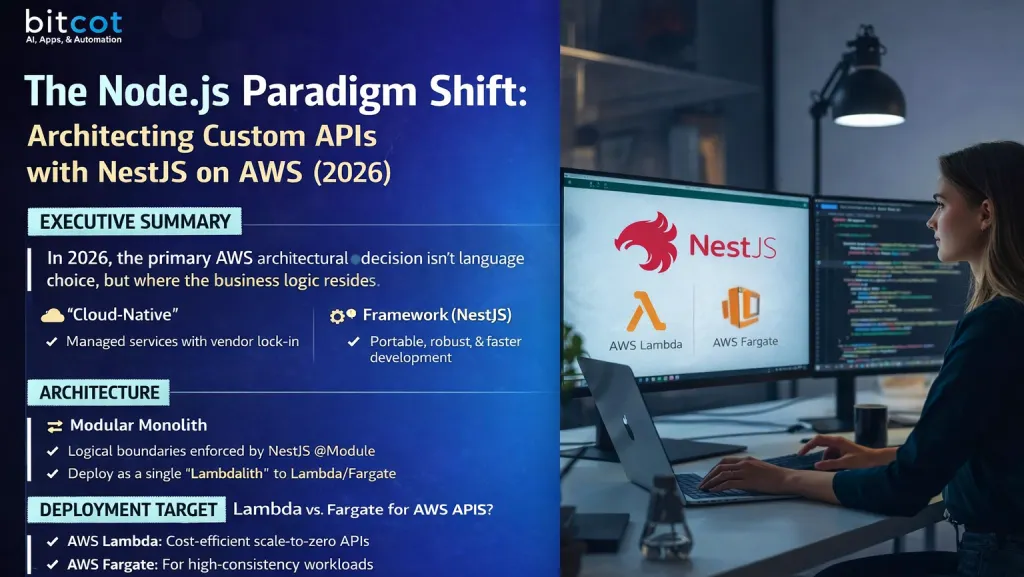
In 2026, the primary architectural decision for AWS-based APIs is no longer about which language to use, but rather where the business logic should reside. The market has bifurcated into two distinct approaches:
- The “Functionless” Cloud-Native Approach: Logic is offloaded to AWS managed services (e.g., API Gateway VTL templates directly integrating with DynamoDB or EventBridge). This minimizes compute management but increases vendor lock-in and testing complexity.
- The Code-Centric Framework Approach (NestJS): Logic is encapsulated within a robust, portable application framework (NestJS) running on compute primitives (Lambda or Fargate). This maximizes developer velocity, testability, and portability.
This report focuses on the latter: leveraging NestJS to build enterprise-grade “Modular Monoliths” that are deployed to AWS. We analyze how to bridge the gap between NestJS’s opinionated structure and AWS’s serverless constraints using modern tools like the AWS Lambda Web Adapter, SWC bundling, and Drizzle ORM.

2. Architecture: The Modular Monolith
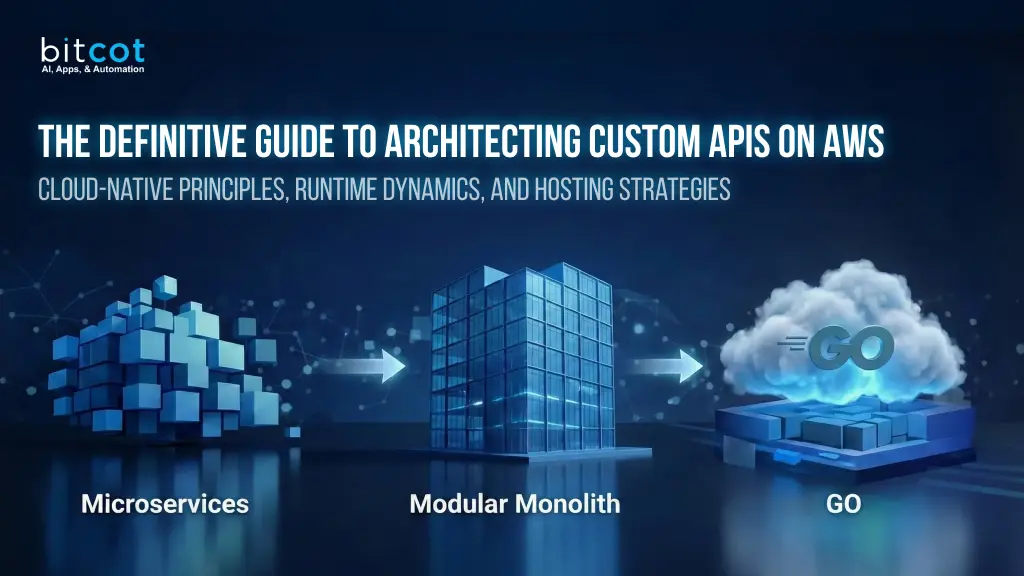
The “Microservices First” era has ended. For 95% of use cases, the complexity of distributed transactions and network latency outweighs the benefits. The 2026 standard for NestJS development is the Modular Monolith.

2.1 The NestJS Module System as the Boundary
NestJS is uniquely suited for this architecture because its module system (@Module) enforces logical boundaries within a single codebase.
- Logical Separation: You separate UsersModule, BillingModule, and InventoryModule within the same repository.
- In-Memory Communication: Instead of HTTP calls over the network (which introduce latency and failure points), modules communicate via direct method calls using Dependency Injection.
- Deployment Flexibility: The entire application is deployed as a single artifact (a “Lambdalith” or a single Docker container). If one module eventually requires independent scaling, it can be extracted into a microservice with minimal refactoring because the boundaries are already defined.
2.2 Domain-Driven Design (DDD) with NestJS
Best practices now dictate organizing the file structure by domain rather than technical layer.
- Bad (Technical Layering): /controllers, /services, /dtos.
- Good (Domain Layering):
- /src/order/order.controller.ts
- /src/order/order.service.ts
- /src/order/order.entity.ts
This structure aligns perfectly with the “Vertical Slice Architecture” pattern, making it easier for new developers to understand the full lifecycle of a specific feature.
3. The Deployment Target: Lambda vs. Fargate
The most common question in AWS API development is: “Should I use Lambda or Fargate?”
3.1 AWS Lambda: The Default for API endpoints
Lambda is the preferred choice for most REST/GraphQL APIs due to its scale-to-zero cost model.
- The “Lambdalith” Pattern: Deploying the entire NestJS application to a single Lambda function is now an industry-standard best practice. It maximizes “warm” cache hits (database connections remain open) and simplifies CI/CD.
- The Web Adapter Revolution: We no longer use proprietary shims like serverless-express. We use the AWS Lambda Web Adapter. This tool allows you to write a standard NestJS application (listening on port 8080) and run it on Lambda without any code changes. It handles the translation between Lambda Events and HTTP requests automatically.
3.2 AWS Fargate: The Choice for High-Consistency Workloads
Fargate is required when the application profile doesn’t fit the event-driven model.
- Long-Running Tasks: Any request taking longer than 15 minutes (Lambda’s hard limit).
- Predictable High Traffic: If you have a constant stream of 1,000+ requests per second, Fargate is often 20-30% cheaper than Lambda because you pay for reserved capacity rather than per-request premiums.
- Background Processing: For heavy background workers (e.g., video transcoding) that need access to disk space or GPU resources not available in standard Lambda tiers.
4. Performance Optimization: Taming the “Cold Start”
NestJS is known for being “heavy” compared to micro-frameworks like Express. Running it on Lambda requires aggressive optimization to keep cold starts (initial load times) under 500ms.

4.1 The Bundler Wars: tsc vs. esbuild vs. SWC
The default TypeScript compiler (tsc) is too slow and verbose for serverless.
- Recommendation: Use SWC (Speedy Web Compiler) or esbuild.
- Impact: These tools perform “Tree Shaking”, removing unused classes and libraries from the final bundle. A standard NestJS hello-world app can shrink from ~50MB (node_modules) to ~1MB (bundled). This reduction translates directly to faster Lambda initialization times.
4.2 Database Access: The ORM Bottleneck
The choice of ORM is the single biggest factor in cold start latency.
- Avoid: Prisma (in serverless context). Prisma relies on a Rust binary sidecar that must be spawned on every cold start, adding 300ms–800ms of latency.
- Adopt: Drizzle ORM. Drizzle is a lightweight TypeScript SQL query builder with zero runtime dependencies. It adds negligible overhead (<10ms) to the startup time.
- Legacy: TypeORM is “okay” but relies heavily on decorators and reflection, making it slower to initialize than Drizzle but faster than Prisma.
5. Integration Patterns: Cloud-Native Best Practices
5.1 Asynchronous Processing with SQS
Never perform heavy lifting in the synchronous HTTP response cycle.
- Request: User POSTs to /generate-report.
- Action: NestJS Controller validates input and pushes a message to Amazon SQS.
- Response: Return 202 Accepted immediately.
- Worker: A separate Lambda function (or a separate module in the same Lambdalith) listens to the SQS queue and processes the report.
5.2 Secrets and Configuration
- SSM Parameter Store: Use this for non-sensitive config (feature flags, API URLs).
- Secrets Manager: Use this for database credentials.
- Optimization: Use the AWS Parameters and Secrets Lambda Extension. This extension caches secrets locally within the Lambda execution environment, preventing expensive API calls to Secrets Manager on every request.
6. Detailed Implementation Guide
The AWS Lambda Web Adapter Pattern
This architecture is superior because it allows you to build a standard Docker image that can run anywhere (Local, EC2, Fargate, Lambda).

Dockerfile Best Practice (Multi-Stage Build):
# 1. Build Stage
FROM node:20-alpine AS builder
WORKDIR /app
COPY package*.json./
RUN npm ci
COPY..
# Use SWC/esbuild for production build
RUN npm run build

# 2. Production Stage
FROM node:20-alpine
# Install the Lambda Web Adapter
COPY --from=public.ecr.aws/awsguru/aws-lambda-adapter:0.8.4 /lambda-adapter /opt/extensions/lambda-adapter
WORKDIR /app
COPY --from=builder /app/dist./dist
COPY --from=builder /app/package*.json./
# Install ONLY production dependencies
RUN npm ci --only=production
EXPOSE 8080
CMD ["node", "dist/main.js"]
CI/CD Pipeline with GitHub Actions
Automate the deployment using AWS CDK (Cloud Development Kit).

7. FAQ for Engineering Teams
Q: NestJS feels slow on Lambda. How do we fix it?
A: The culprit is usually the initialization phase.
- Bundle your code: Ensure you are using esbuild or swc to create a single JS file. Do not upload the full node_modules folder if possible.
- Check your ORM: If you are using Prisma, switch to Drizzle or Kysely. This is the most common cause of slow startups.
- Lazy Load Modules: NestJS supports lazy loading. Configure your app to only load the modules required for the specific route being hit (though this is harder to tune in a Monolith).
Q: Can we use WebSockets with NestJS on Lambda?
A: Not directly. Lambda is stateless and cannot maintain persistent TCP connections.
- Solution A: Use API Gateway WebSocket APIs. API Gateway handles the persistent connection and triggers your Lambda only when a message arrives.
- Solution B: Use AWS Fargate. If you need raw WebSockets (e.g., socket.io) handled by NestJS, you must use Fargate containers.
Q: Why “Modular Monolith” instead of Microservices?
A: Microservices add “network tax.” Every time Service A calls Service B, you add latency (network hop), serialization costs, and failure modes (what if Service B is down?). A Modular Monolith allows you to make a method call (Service A calls Service B function directly) which takes nanoseconds and never fails due to network issues. You can still scale horizontally by running more copies of the Monolith.
Q: How do we handle database connections in Serverless?
A: Lambda can scale to 1,000 concurrent executions in seconds, which can overwhelm a database.
- Mandatory: Use AWS RDS Proxy. It sits between your Lambdas and the database, pooling connections efficiently.
- Configuration: Set your NestJS application to open only 1 or 2 connections per instance, and let RDS Proxy handle the multiplexing.
Q: Is “Cloud Native” (VTL templates) better than NestJS?
A: VTL (Velocity Template Language) allows API Gateway to talk directly to DynamoDB without a Lambda. It is faster and cheaper, but the Developer Experience (DX) is poor. You cannot unit test VTL easily, and business logic becomes scattered in infrastructure config. Use VTL for simple “CRUD” (Get Item, Put Item), but use NestJS for any endpoint that requires validation, transformation, or business rules.